Archive for the ‘News’ Category

R3 Initial Electronics Progress

Friday, April 29th, 2011

I haven't gotten much done on the hardware side of things lately, but I've been busy with the electronics of the R3 platform I'm working on.  Above is the first draft of the parallel port adapter that will be used for the first round of machines.  This board allows a PC running Mach3, EMC2, or any other G-Code interpreter with a parallel port driver to control up to 4 RepRap/Makerbot stepper motor drivers and has separate inputs for X, Y, and Z axis home, emergency stop, and limit switches, as well as a few additional outputs and it exposes the enable functionality of the stepper motor drivers, allowing you to disable all stepper drivers if needed.  I'm planning on using Mach3 for the initial prototypes and then moving to a microcontroller based G-Code interpreter (possibly based on GRBL) once development is further along.


Other than the main PC breakout board, I've also designed boards for mechanical end stops (seen above) and a stepper signal splitter board (seen below) that will allow two stepper drivers to be controlled by the same signals, allowing for some interesting mechanical drive options.

While designing these boards, I tried to keep them single sided if possible, keep the required part counts low, and use big parts where applicable to make them easy to construct.  The idea is to make them easy to "bootstrap" via traditional DIY PCB etching methods and easy to mill once I've got a machine up and running.

Progress Update – 3/8/11

Tuesday, March 8th, 2011

I haven't been posting any projects, but I've definitely been working on stuff!   If you don't follow my Thingiverse posts, I've leaned a little about character modeling in Blender and made me a ceiling cat for the shop:

I also made some spools for jumper wire that fit in my trusty electronics tackle boxes:

I've also been working on a set of parts that'll attach to a standard Cupcake CNC to add fume hood functionality for a fellow Makerbot operator.  It's not done yet, but the parts I have done make it look like a little oven, which I think is pretty awesome:

I've also been working on the CNC router at CCCKC, which has had a few successful test cuts and should help me finish a few long-running projects I've had on the back burner.  Check out this CCCKC blog post for video and some more info.

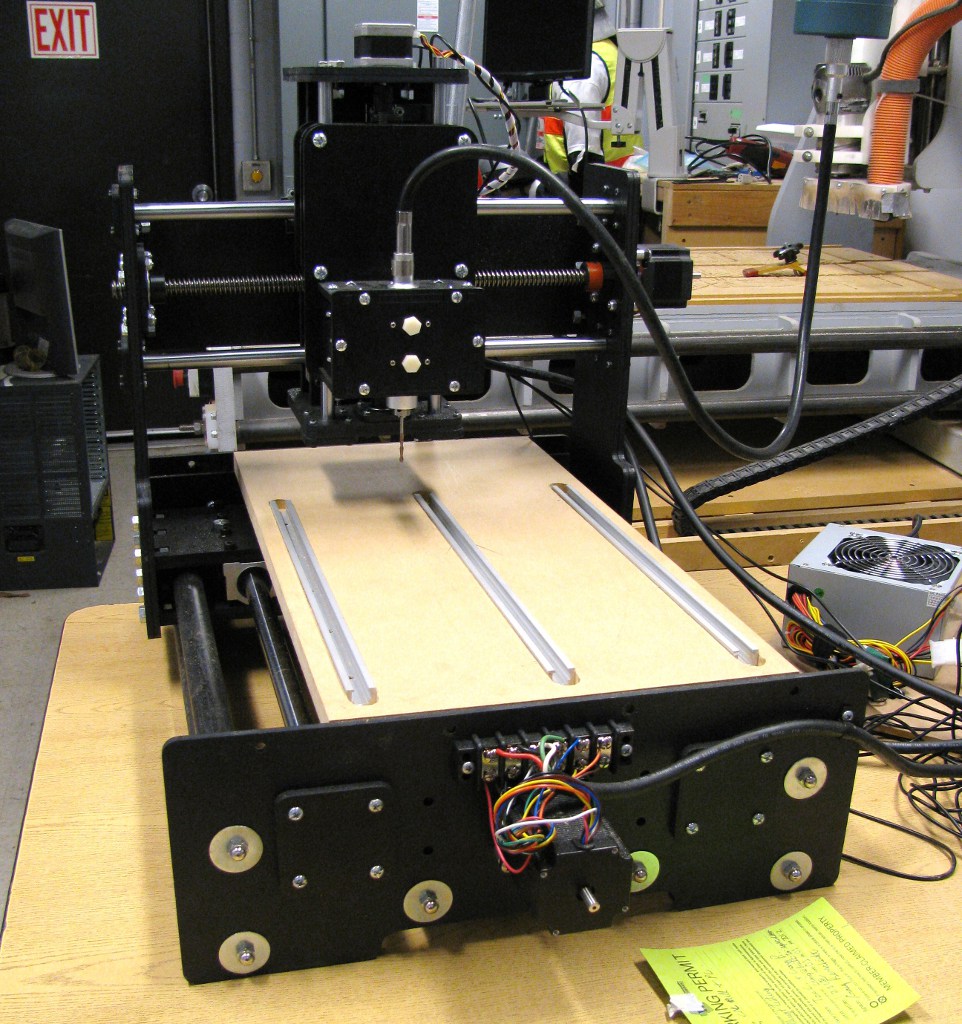
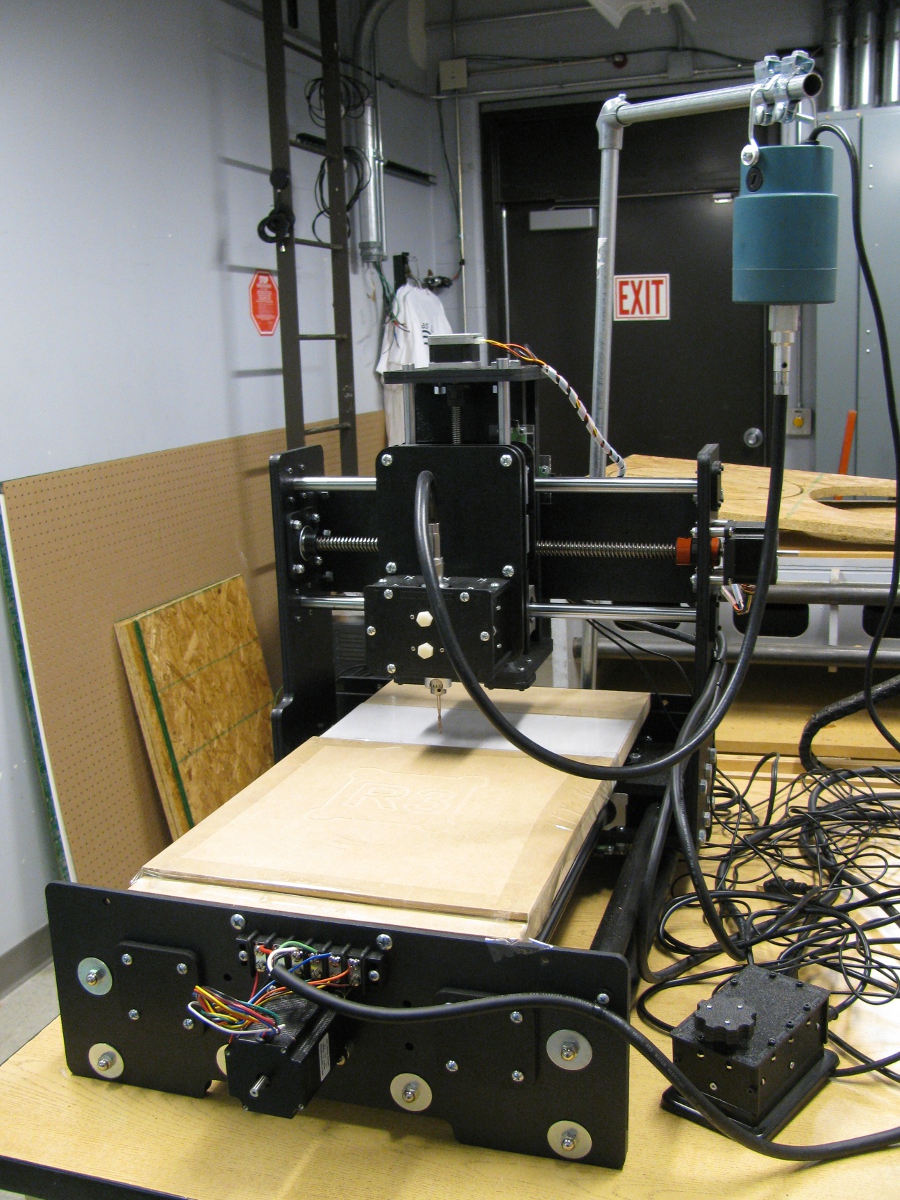
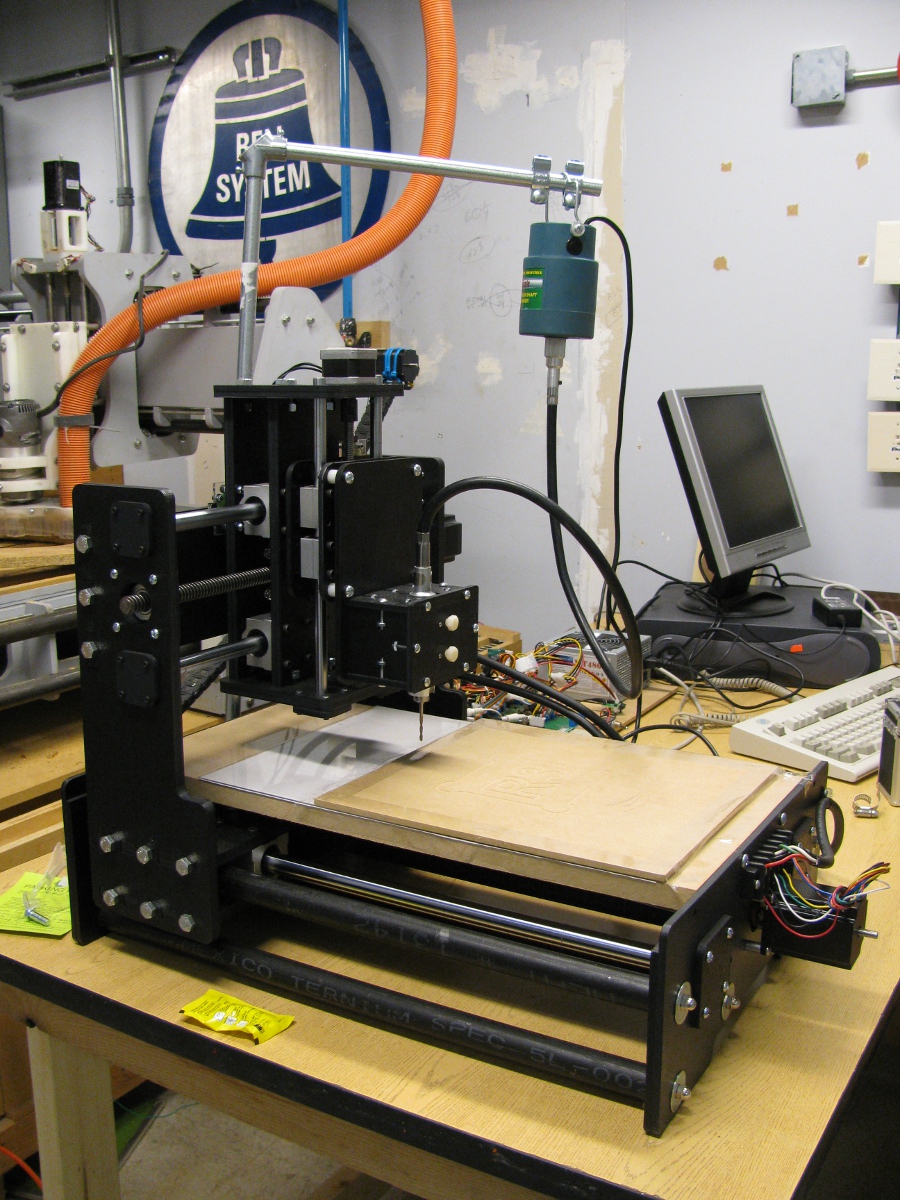
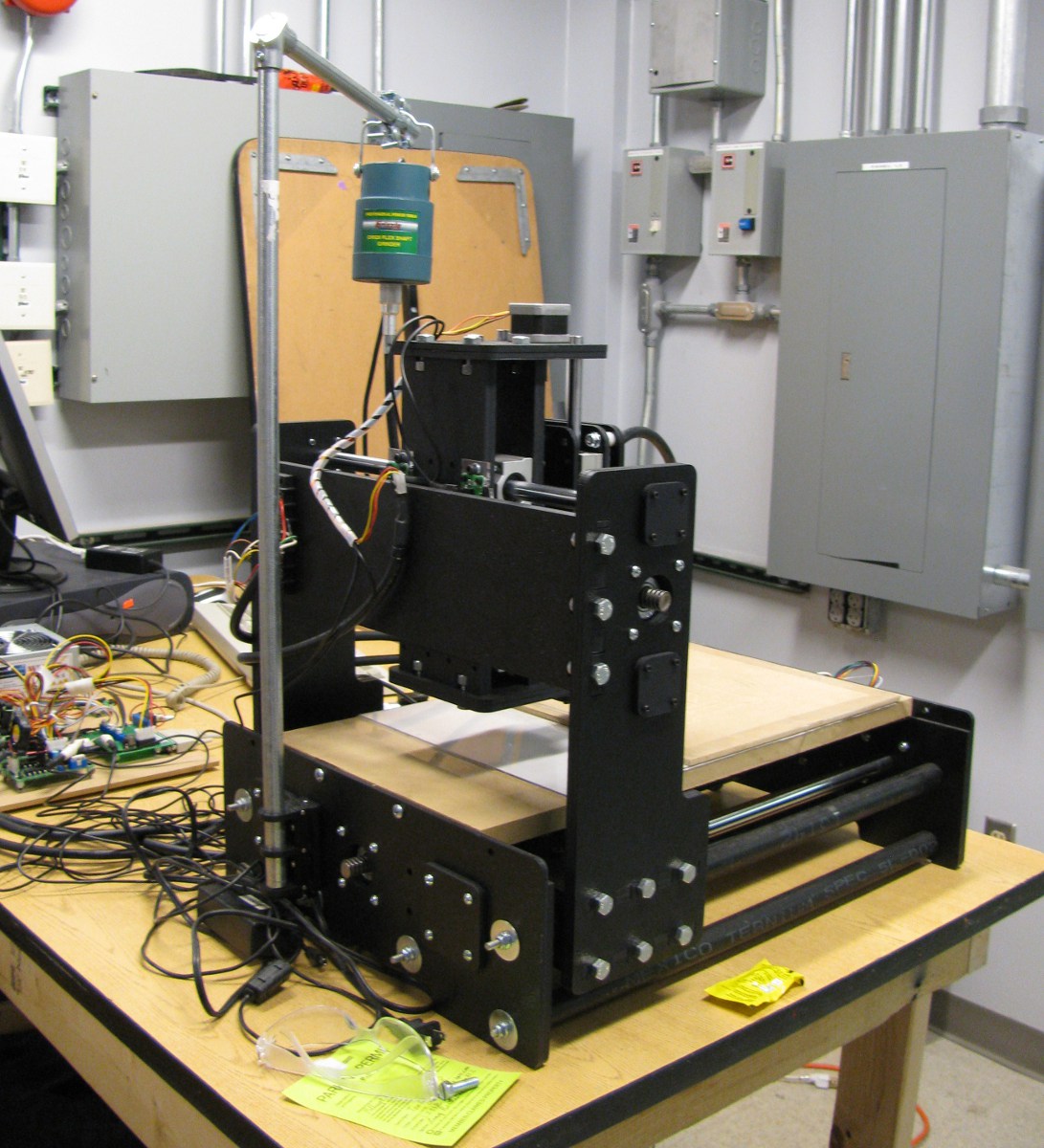
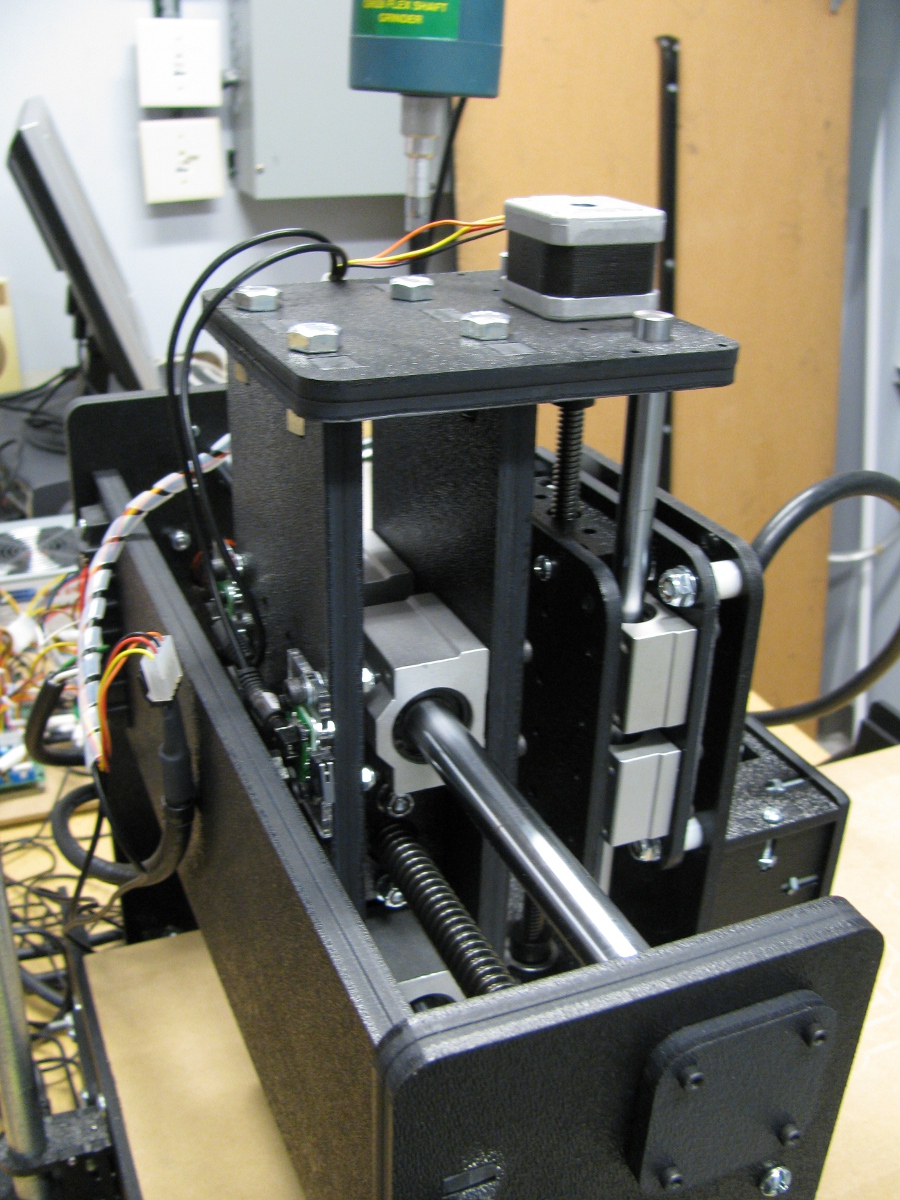
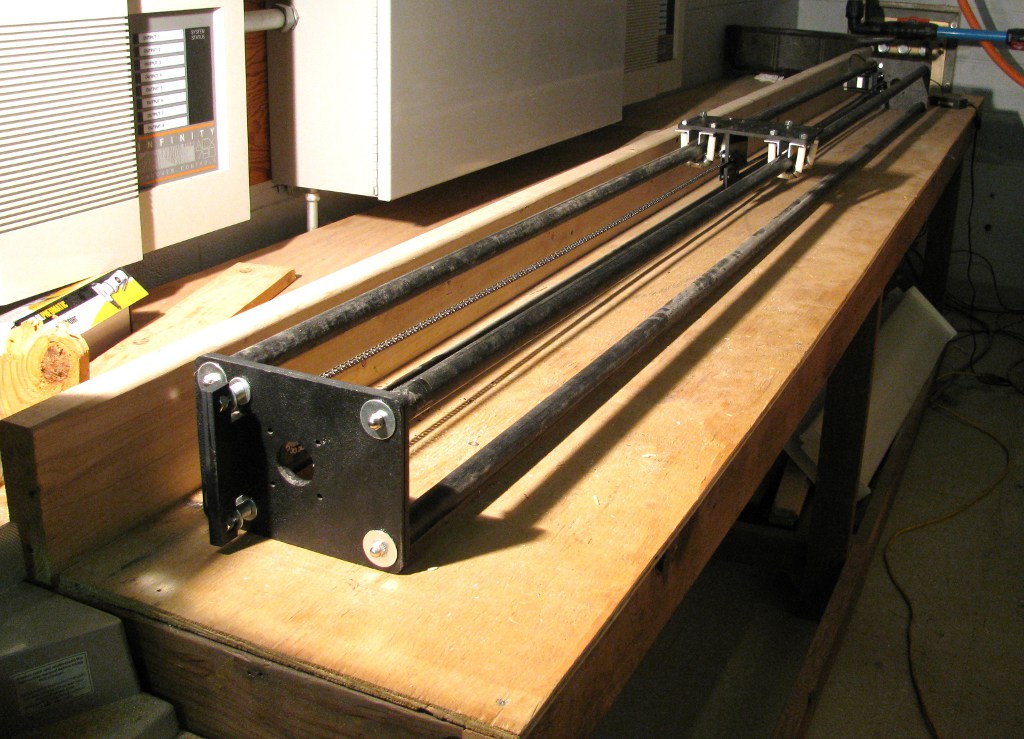
Lastly, I've been working on my self replicating CNC project again.  I've decided to make this project even more ambitious and I've acquired most of the hardware that I think I'll need to finish it up, or at least get it off it's feet.  I'm also learning OpenSCAD and doing all my initial design and prototyping in OpenSCAD.  I'm going to try and use OpenSCAD to model all the milled components in 3D and then use OpenSCAD's 2D rendering capabilities to generate the DXF files that will eventually be used to generate tool paths to actually mill the parts.  I'm trying to make the design very parametric and well organized so it'll be easy for me to tweak and easy for others to modify use the parts they have on hand or make new  derivatives.  The CCCKCCNC being up should help prototyping as well.


PE00001 Back Online!

Monday, November 15th, 2010

While demoing my Cupcake CNC bot a while back, the extruder succumbed to plastic build up at the interface of the PTFE and the heater barrel.  Not soon after I tore the extruder hot end apart Makerbot Industries released the second version of the heated build platform, and later teh MK5 hot end.   I snatched up both upgrades but haven't had time to retrofit my bot until last weekend.  After some rewiring, soldering, moving and remounting of various electronics, and some assembly of various mechanical bits, I had a working Makerbot once again!

I was surprised that the first print actually finished up fine.  OK, I did help it along a bit by raising the Z axis a bit while building because it was putting out way too much plastic, but it did finish a 1 hour print successfully on the first attempt.  I've been using a Paxtruder design for a while, so I've got a good idea of how to tune the filament pressure, which probably helped a bit as well.  I'm loving the new hot end so far.  I've been able to speed up my feed rate by %30 without running into any issues, and I've had good luck going raftless for the most part.  These two things combined have halved the print times of some of my prints, which is awesome.  I'm still tuning things but my initial impressions are very favorable, and it looks like the new setup will be considerably more reliable.

On a side note, one tool I found useful for dealing with the heated build platform is my Cricut spatula.  It's inexpensive, small and easy to use, good for scraping objects off the platform without getting me burned, and you can use it to smash down traces of plastic that lift of the build platform in the early stages of the print.  I'm hoping that after some tuning I won't be using it to be saving prints as much in the future.

New Awesome Analog Scope

Monday, September 27th, 2010

I picked this up the other weekend at a swap meet in KC, and it's by far one of the better swap meet purchases I've made.   Since it's got horizontal and vertical input input I'm hoping to use it as a display for the CCCKC analog computers courses.   I don't quite know what this is eventually going to be used for but it just radiates awesome!

Cricut Direct PC Control Working!

Monday, August 16th, 2010

After a bit of work and help from fellow Hackerspace members, we managed to figure out how to talk to the Cricut.  Check out the Cricut Wiki I started for more details on the protocol and check out the libcutter project on GitHub if you want to start writing your own control software.  Libcutter's goal is to be a nice cross platform library for controlling the Cricut and potentially other similar devices.  Right now all our experimentation has been with Cricut personals at firmware revision 1.34, but I'm hoping it'll work with other models as well.  I coded up a quick Python demo script that's a Logo interpreter for the Cricut that's included with libcutter.  Here's a quick video of it in action:

I've also got a quick Windows only Python module implementation that you can use to control the Cricut as well.  To get everything up and running, you'll need to get Python and PyUSB installed and grab this nice Python XXTEA implementation.  After that, just download the Cricut protocol module and the Logo demo script and you should be ready to draw (or cut) your favorite Hackerspace logo, or perhaps a hole bunch of circles:

You can of course write your own control programs to do other equally useless but still fun things: