Electronic Fireworks Ignition System

July 4th, 2011

So here's another quick project I whipped up for the 4th of July, an electronic ignition system. Basically, it's just an aesthetically pleasing way to heat up some nichrome wire to ignite fireworks from a reasonably safe distance. I basically hit up my local Radio Shack for some cool looking switches, made a simple enclosure for them, and wired them up to apply power from a 12 Volt gel cell to a small section of nichrome wire after an arming toggle switch is engaged and a momentary switch is depressed.

Here's the BOM for this build:

Construction

Spacing is pretty tight so you'll probably want to wire up everything before completely assembling. I twisted up my wire in a drill chuck for a previous project and you'll likely want to do the same unless you use speaker wire or some other multi-stranded wire.  It's hard to see in the picture below, but at the bottom of the handle  I also tied off the wire entering and exiting the enclosure. You'll want to do this to avoid damage to your connections in the enclosure should someone tug on the wires or trip over them (which happened several times during actual use for me).

I connected up the toggle switch to power and ground directly from the battery with about a 4 foot length of twisted pair wire. The LED's positive lead is connected to the accessory output of the toggle switch. This will make the LED illuminate when the trigger is ready to fire. One end of the momentary switch is connected to the accessory output as well and the other end is connected to the positive alligator clip with about a 20 foot section of twisted pair wire between them. The negative alligator clip is connected directly to ground.

All you have to do to ignite your fireworks is clip a small section of nichrome wire in between the alligator clips and set it across the wick of the firework you want to ignite and give it a short pulse of power to heat it up. I used a small section of recycled heater wire from a busted MakerBot hot end, which had a resistance around 6 Ohms. Using Ohm's law, this should pull about 2 Amps from the battery, which is well under the maximum current the momentary switch I got can handle.

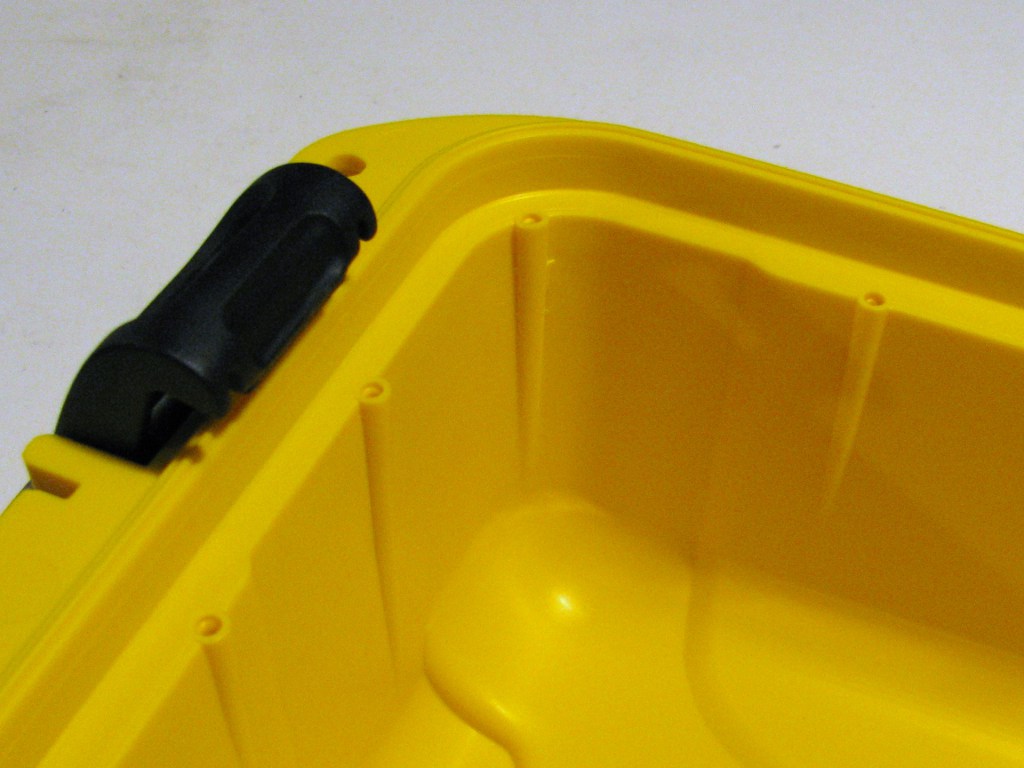
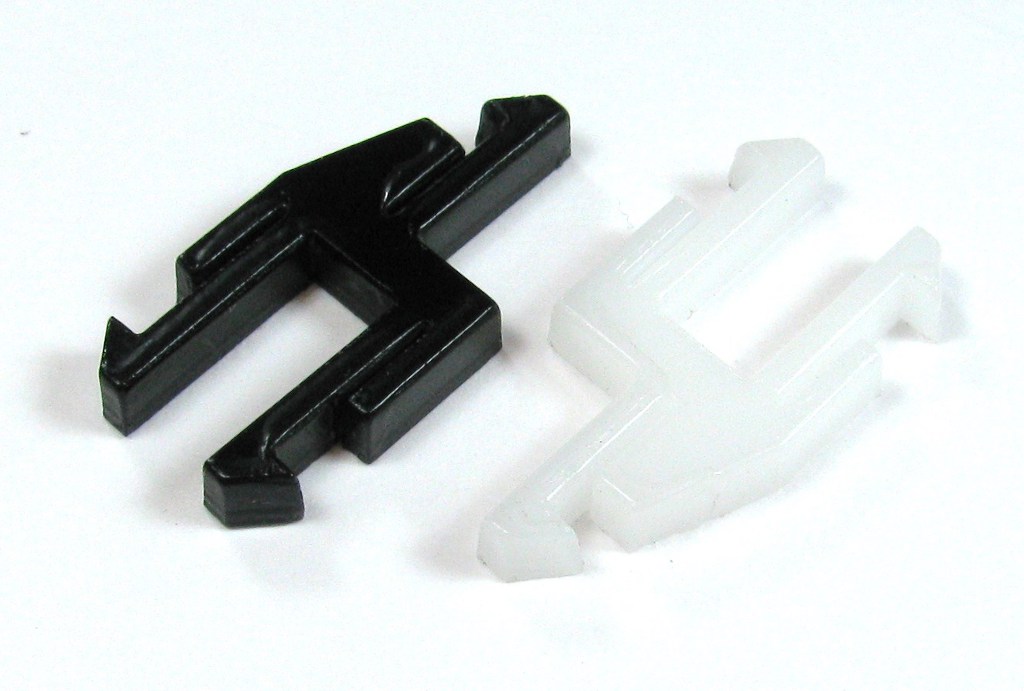
I used a small scrap part to act as a spool for the log leads that go out to the fireworks which helped keep the wiring neat. I also shoved the whole thing in a spare ammo box for transport for a little added effect.  It works quite well, but I think it needs some sound effects and maybe a count down to make it a little more satisfying to use, but there's always next year!

WARNINGS!

Playing with fireworks is always dangerous and so is this project. Don't attempt to build this if you don't know what you're doing, because this stuff can catch fire all by itself, no explosives needed. Always set up the nichrome loop at the end of your alligator clips to fall away from your fireworks after igniting them. Also don't attempt to light things like sparklers with it. It'll work but you'll just end up destroying your nichrome. Thicker wicks, like the ones for artillery shells, seem to damage the nichrome as well.

Laser Cut R3 At Kansas City Maker Faire

June 7th, 2011

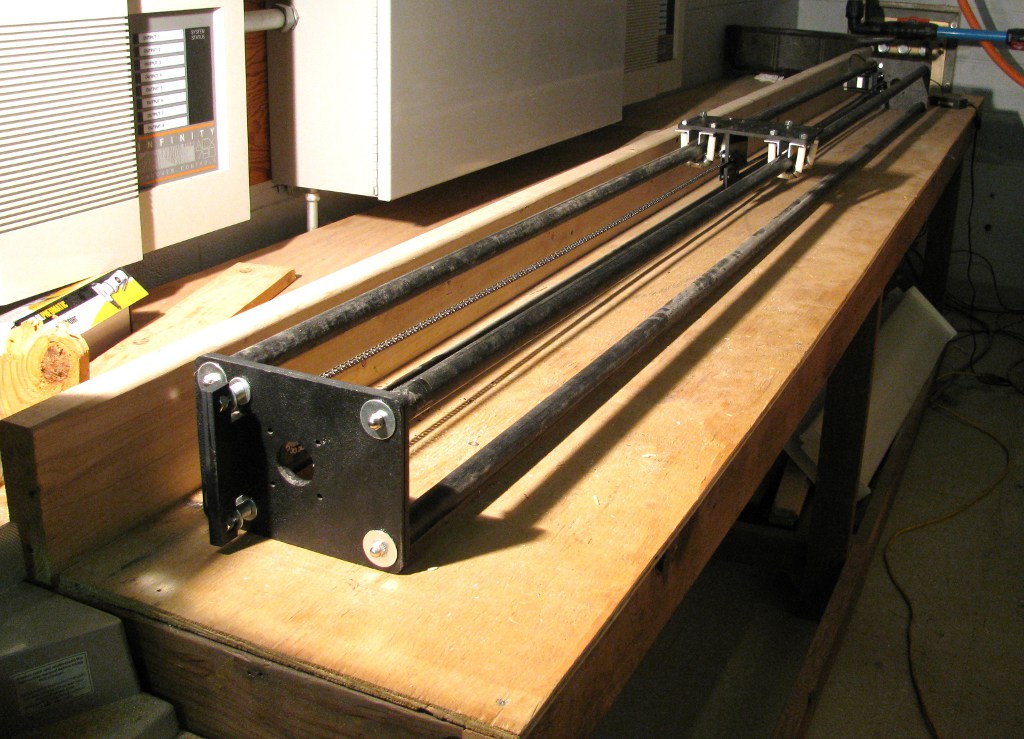
Here's a sneak peek at the prototype of the laser cut version of the R3 platform with just about everything but the lead screws installed.  It's based off of the OpenSCAD models for the milled R3 parts with a few modifications, primarily to use T-slot construction rather than 1/4" threaded rod.  I experimented with match drilling as mentioned in the Mantis 9 build page and it yielded some very smooth motion on every axis of travel.  If all goes well, I should have my R3 prototype up and running for demos at the Kansas City Maker Faire June 25th and 26th along with my Makerbot, PE00001, in the 3D printer village section!

R3 Initial Electronics Progress

April 29th, 2011

I haven't gotten much done on the hardware side of things lately, but I've been busy with the electronics of the R3 platform I'm working on.  Above is the first draft of the parallel port adapter that will be used for the first round of machines.  This board allows a PC running Mach3, EMC2, or any other G-Code interpreter with a parallel port driver to control up to 4 RepRap/Makerbot stepper motor drivers and has separate inputs for X, Y, and Z axis home, emergency stop, and limit switches, as well as a few additional outputs and it exposes the enable functionality of the stepper motor drivers, allowing you to disable all stepper drivers if needed.  I'm planning on using Mach3 for the initial prototypes and then moving to a microcontroller based G-Code interpreter (possibly based on GRBL) once development is further along.


Other than the main PC breakout board, I've also designed boards for mechanical end stops (seen above) and a stepper signal splitter board (seen below) that will allow two stepper drivers to be controlled by the same signals, allowing for some interesting mechanical drive options.

While designing these boards, I tried to keep them single sided if possible, keep the required part counts low, and use big parts where applicable to make them easy to construct.  The idea is to make them easy to "bootstrap" via traditional DIY PCB etching methods and easy to mill once I've got a machine up and running.

Why I <3 OpenSCAD

March 25th, 2011

So my CNC design is coming along nicely now, and I'm really liking developing it in OpenSCAD.  I'm trying to organize everything well to make the design easy to modify and come up with a good work flow for going from designing individual components, to fitting them together into assemblies, to actually generating the toolpaths to cut out the parts on a CNC router.

One of the cool things you can do if you build full assemblies from your individual parts in OpenSCAD (or any CAD program, really) is do a quick first pass of your design and make sure everything fits together nicely.  Here's an example issue I caught when looking at my X-axis assembly:

One of the pipes that span the X-axis frame intersects the spans of the gantry.  To fix this I can open the include file for the X-axis and change a single line that defines how wide the  spans are or the  spacing of the guide rods, recompile, and end up with this:

Problem fixed!  If I extend this approach and make an assembly for each full functional unit, each axis, each tool head, etc., I can throw them all together and see how my whole final machine will look and identify problems with the design before I start cutting parts.  Moreover, others can also easily see how the hole thing fits together, make changes, and check their mods easily as well.  That's the plan at least.

Laser Vector Grid Construction and Care

March 13th, 2011

One thing many people might not know about laser cutters is that they require a lot of regular cleaning to keep them cutting effectively.   You've got to clean the optics on a weekly basis, clean out any little bits that might have fallen through the vector grid and wipe down the depth plunger and guide rods monthly, and oil the linear guides and clean the positioning strip every couple of months.  Who'd have thought selectively vaporizing stuff was so messy?

One other thing that I have to do about every six months is degrease the vector grid (yes, you have to regularly degrease some of your laser parts).  Before I get ahead of myself, I should probably explain what I mean when I say vector grid.  The vector grid is a metal comb that you set the material you're going to be cutting through on top of.  It's designed to support the material you're cutting and allow the laser to pass through it to prevent burning the back side of the material you're cutting.  It gets dirty because you're be blowing vaporized plastic (or resin if you're cutting wood) through it when you're cutting clean through material.

The manufacturer of my laser cutter, Epilog Laser, doesn't include instructions on how to clean the vector grid in their manuals, but they do have a nice guide online here.  I use about a 1:6 ratio of Zep purple degreaser to warm water compared to Epilog's suggested 1:4, and it seems to work fine for me.  I've got a small plastic container that's only a little bigger than my laser bed that I use to soak my vector grid.   It only takes about 12 cups of water to almost fully cover my vector grid in this container, so one gallon of Zep lasts me a very long time.  You'll notice that I've got a pair of rubber gloves in my box of supplies.  You definitely want to be wearing these and probably some goggles while working with the cleaning solution because Zep contains a number of bad things that can be absorbed through the skin (mainly Sodium Hydroxide AKA lye).

After dropping the vector grid in the diluted mixture it will start foaming all on it's own.  I agitate the mixture a bit and keep the grid soaking for a little less than 5 minutes.

After soaking remove the grid and give it a good rinsing.  When done rinsing, shake it out a bit over the sink and let it air dry completely before using it again.  To give you an idea of how much stuff was pulled off the grid, the cleaning solution started off clear with a slightly purple tint and after soaking it's almost black:

And here's the grid after rinsing:

There's still some black residue on there (ABS from the car tag blanks I make) because it was really caked on and I didn't get a plastic pipe out and clean out those cells.  Be careful if you do choose to use pipe cleaners and scrub the vector grid, and just handling it in general, because it's made out of very thin aluminum an is damaged easily.

Building your own vector grid

Because certain materials get the vector grid gets very dirty, I wanted to make some spares.  I threw some 1/2" aluminum honeycomb in on one of my McMaster-Carr orders to see if it would be a usable substitute for the 1/4" cell spacing, 1/2" thick mat that came with the machine.  I was able to cut it easily with a pair of scissors and get one full bed sheet and one that was a little under an inch short from the 24"x24" sheet I ordered.

Unfortunately, it wasn't as rigid as the original vector grid and needed something to back it.  Next McMaster-Carr order, I added some heavy wire mesh to my order.  This stuff cut easily with a pair of side cutters and was easy to fit to the cutter bed.  I set the aluminum hex on top and it improved the rigidity:

It's still not as rigid as the original vector grid but I think it'll work for what I'm cutting and all I'll likely have to do to fix this is switch out the wire mesh for some stiffer perforated metal in the future.  Here's a comparison between the original grid and the new one:

The new, wider spaced grid looks pretty level and, even though it was never a huge problem, I'm hoping the wider spacing will result in fewer burn marks on the back side of the material I'm cutting than the stock grid.

Update:

I've been using the new vector grid for a bit now and I love it!  Also, I talked to the local Epilog sales rep. and he said they ask about $395 for a replacement vector grid. I think I'll stick with my $35 spare for now.